When your ‘Check Engine’ light starts blinking, it could be signaling a P1000 error code for your car. So what does it mean, and how can you fix it? Here’s a simple explainer with everything you need to know.
There are several error codes – also called Diagnostic Trouble Codes (DTC) – that indicate what issue a car is facing. These trouble codes are part of OBD-II (Onboard Diagnostics), which is mandatory for all vehicles manufactured after 1996.
Of these, the P1000 code is a manufacturer-specific trouble code and is commonly used to denote specific problems in Forda, Mazda, and Jaguar vehicles.
What does the P1000 code mean?
The diagnostic code P1000 implies that your car’s Engine Control Computer (ECC) has not completed its emissions systems testing. This is part of a series of self-tests the computer must complete – also called Readiness Monitors. Any delay/failure to complete an emissions test can result in this code.
However, the code does not indicate why the testing has not been done.
What are the symptoms of a P1000 code?
A P1000 code is generally asymptomatic because it does not directly affect the functionality of the vehicle. The most common indicator is that your ‘Check Engine’ light will be illuminated. It can be called different names in different models – like Malfunction Indicator Lamp (MIL) or Service Engine Soon Light (SES).
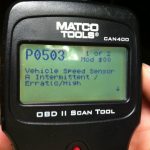
However, given that this light can start blinking due to several other diagnostic error codes, you will need to run an OBD-II scan to find out whether any additional error codes have been logged along with it.
What causes a P1000 code to occur?
This type of code occurs when the ECC is unable to complete emissions systems testing for Readiness Monitors. The possible causes for such failures are:
- Faulty or malfunctioning Powertrain Control module (PCM)
- Recent battery disconnection
- OBD-II fault detection before completion of drive cycle (specific to Ford Models)
- Recent clearing of trouble codes interrupted routine diagnostics

Can you drive with a P1000 code?
Having an error code P1000 is not a serious issue – you can continue driving the vehicle without any problems. It resolves itself over time and without any active intervention on your part. All it takes is for the ECC to complete running the readiness checks and diagnostic cycles over again.
How to diagnose a P1000 code?
It’s pretty easy to diagnose a P1000 code – all you need is a trusty OBD-II scanner and plug it into your car’s DLC port.
- The Engine Control Module will have a record of any error codes that pop up during diagnostics. This will show up on your OBD-II scan tool.
- The ECM will also have data about what caused the P1000 code, which can help technicians rectify the code.
- If you have noticed any other additional symptoms in the car’s functionality, these error codes will also turn up along with the P1000 code.

Also read: Find Out How to Fix Common Engine Error Codes
How to fix a P1000 code
Given how a P1000 is generally asymptomatic and does not affect the car’s functions or driving, there is no need to give it extra attention.
- A P1000 will resolve itself on its own after a while – you don’t even need to take your car in for repair.
- If it appears by itself on the OBD-II scan, check your battery and run through the drive cycles for your vehicle. The ECU will go through all the self-tests once again and will likely perform the emissions test, thereby resolving it on its own.
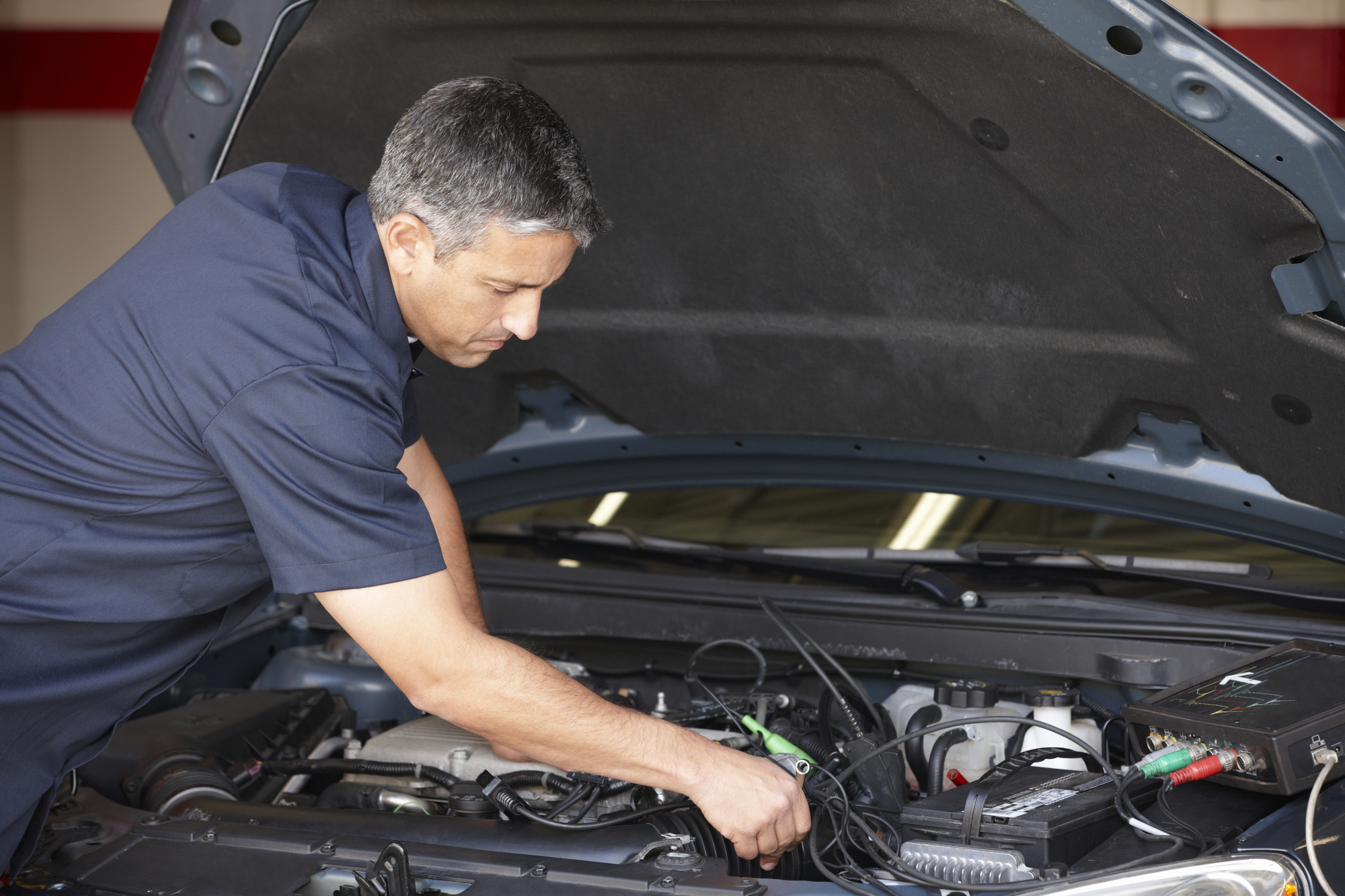
- If other error codes appear along with P1000, you can take your car in for testing to a certified technician/mechanic.
How much does it cost to fix a P1000 error code?
A P1000 error code does not require any intervention and resolves itself after a while. However, you should ensure you don’t misdiagnose it and omit any additional codes that occur along with it. To avoid that, invest in a good OBD-II scanning tool that shouldn’t cost you more than $100.

Here’s more info on top-rated airport parking, the best parking spots in your city, affordable auto insurance, easy auto refinance, and high-quality car washes near you.
Get 10% off in the Way App in the Way App!

- Scan and get the Way App Download the Way App
- Log in to your account
- Use code FIRST10 at checkout